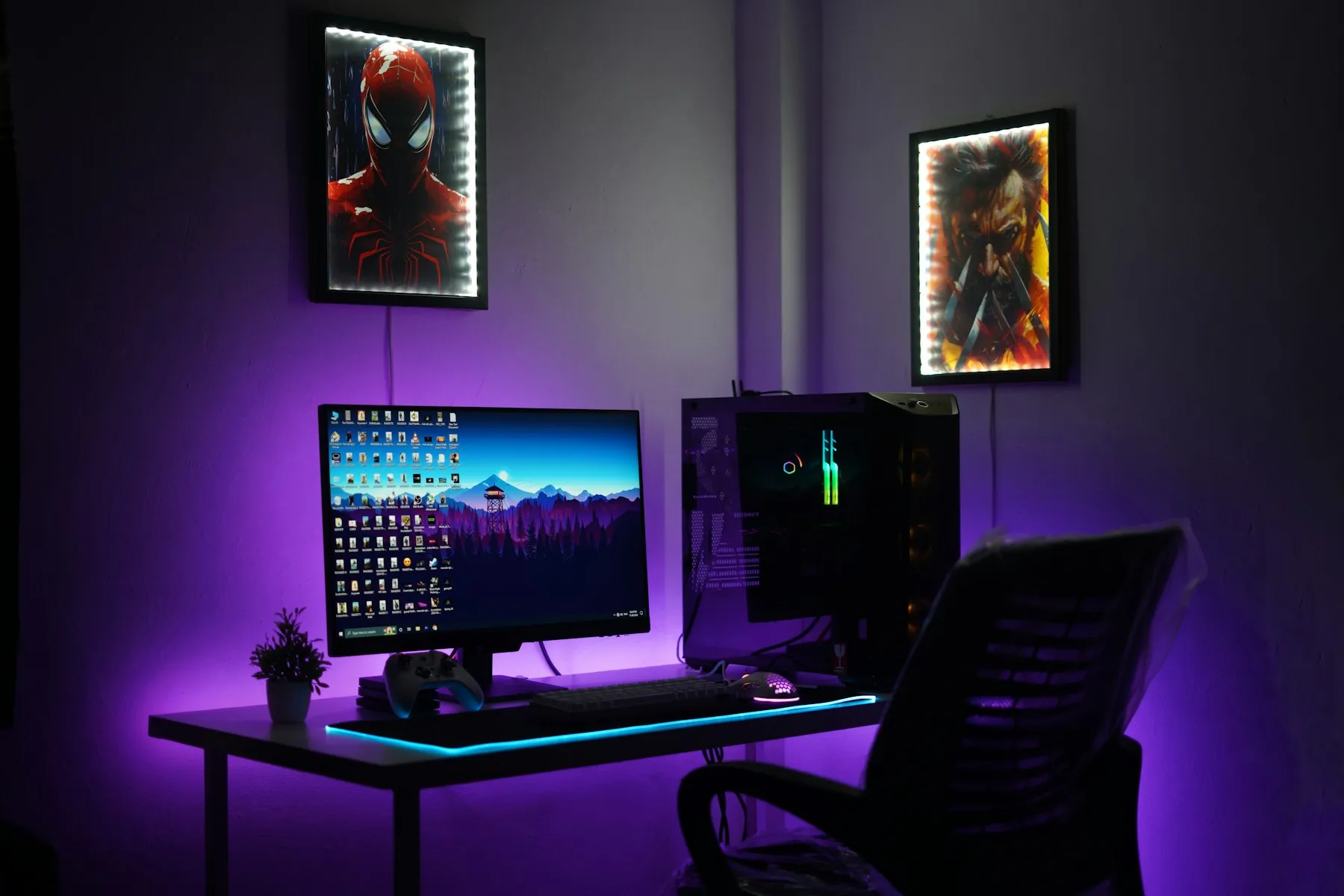
The multi-monitor setup is a status object as much as a tool. Three panels, a lit keyboard, everything visible at once. It looks like capacity.
The evidence for whether it produces capacity is thinner than the enthusiasm suggests, and the cases where it clearly helps are narrower than the cases where it is deployed.
Where the second screen genuinely wins
There is one pattern with consistent support: reference and target. One surface holds something you are reading and not changing; the other holds the thing you are producing. A specification and an implementation. A design and a build. A dataset and a query.
In that arrangement the second display removes a switch that would otherwise happen dozens of times an hour, and each switch costs you the position you had found. The gain is real and it is easy to feel.
Where it quietly costs you
The trouble starts when the second screen holds something that changes on its own.
A chat client, a dashboard, a mail window, a CI feed — anything that updates without you asking — turns peripheral vision into an interrupt line. You do not have to read it for it to cost you. Motion in the periphery pulls attention involuntarily, and the recovery is not instant.
The second failure mode is subtler: larger visual fields mean longer visual searches. When everything is visible, finding the specific thing takes more scanning, not less. People with three displays often report they cannot remember which screen a window is on — that is the search cost showing up as a memory complaint.
The honest test
Watch what is actually on the extra display during a normal hour of work.
If it holds a stable reference document, it is earning its place. If it holds something that pings, it has been converted into a notification surface with an unusually large footprint. If it holds a terminal you glance at every few minutes, ask whether that glance is information or reassurance.
A less fashionable setup
Several developers I know have moved to one large display with disciplined window management, and describe the same effect: fewer things visible, less involuntary attention, and no loss in the reference-and-target case because split-screen handles it.
The variable that matters is not screen count. It is how many surfaces in your field of view can change without your permission.
That number is worth keeping close to zero, and it has nothing to do with how many monitors you own.